All help topics
Account & billing
Documents and verification
Why some countries need ID or proof of address, and how to upload documents once for all your numbers.
Telecom regulators in many countries require proof of identity or address before a local number is issued. You upload documents once and we review them, usually within one business day.
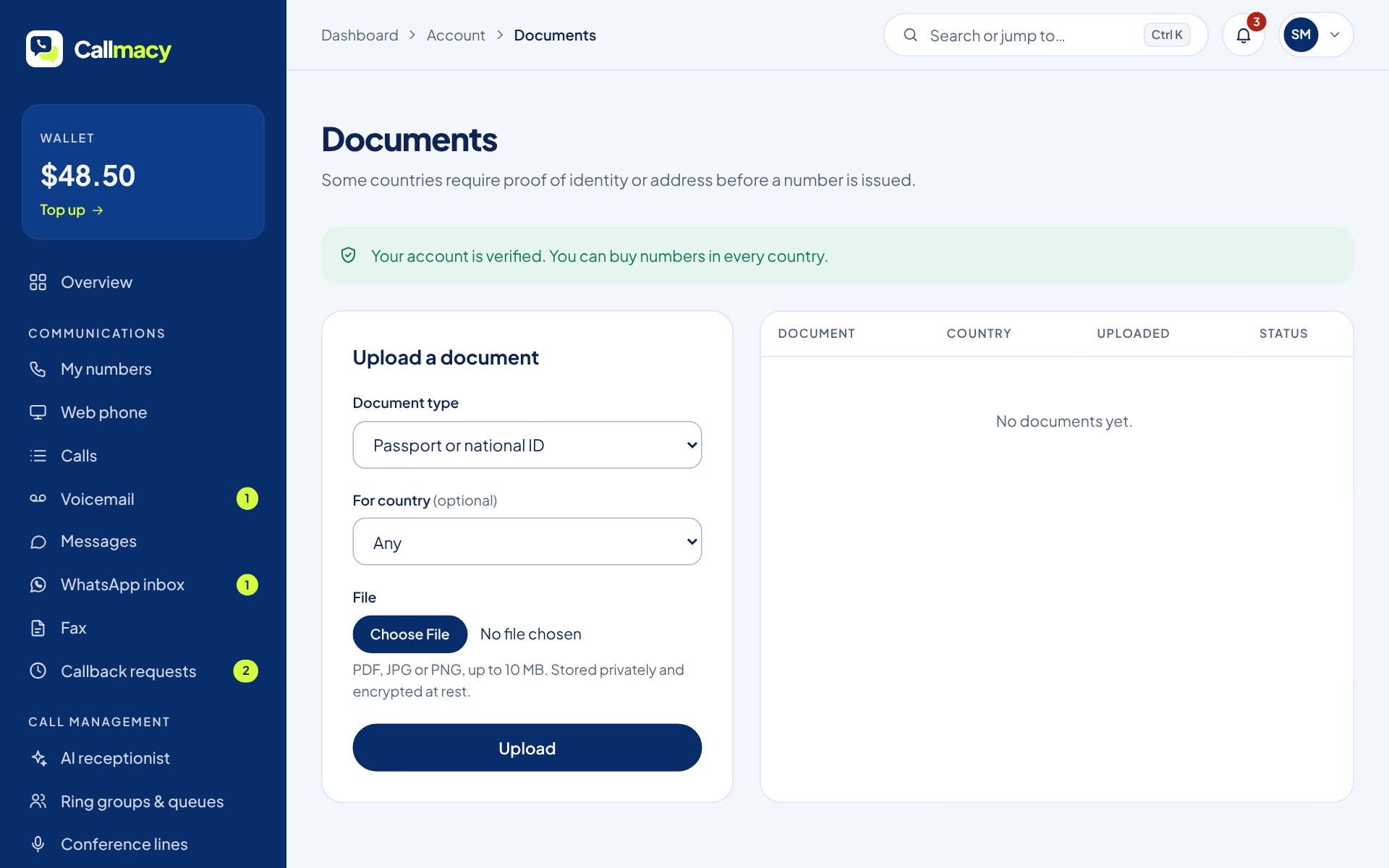
Upload a document
- Open Documents.
- Choose the document type: passport or national ID, proof of address (less than 3 months old), company registration or trade licence, or other.
- Optionally choose the country it’s for.
- Choose the file (PDF, JPG or PNG, up to 10 MB) and click Upload.
Documents are stored privately and encrypted. The table shows each document’s status. When your account is verified you can buy numbers in every country.
Which countries need documents?
The pricing page shows Required next to every number type that needs documents.
Still stuck?
Email [email protected] or send us a message — we usually reply within one business day.
Related guides
Wallet, top-ups, auto top-up and invoices
How the prepaid wallet works, auto top-up with your saved card, renewal reminders, invoices and exporting your transactions.
Plans — Starter, Business and AI Plus, trials, upgrades and renewals
What each plan includes, the free trial, paying by card or from your wallet, what happens if a payment fails, and how to upgrade, downgrade or cancel.
Account settings, mobile verification and two-factor login
Change your name, email and password, verify your mobile number with a one-time code, and protect your wallet with two-factor authentication.
Team accounts — invite colleagues with their own login
Add colleagues to your account with their own email, password and two-factor login. Choose Admin or Member, give everyone their own web phone, ring the whole team at once and see who did what.