What Is an eSIM? How Travel eSIMs Work and How to Avoid Roaming Charges
Everything a traveller needs to know about eSIMs: what they are, whether your phone supports one, how they compare with roaming and local SIMs, and how to install one before you fly.
Quick answer
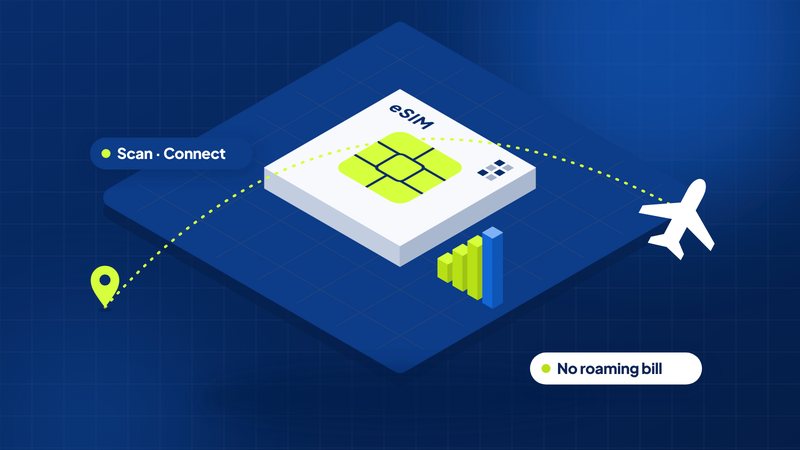
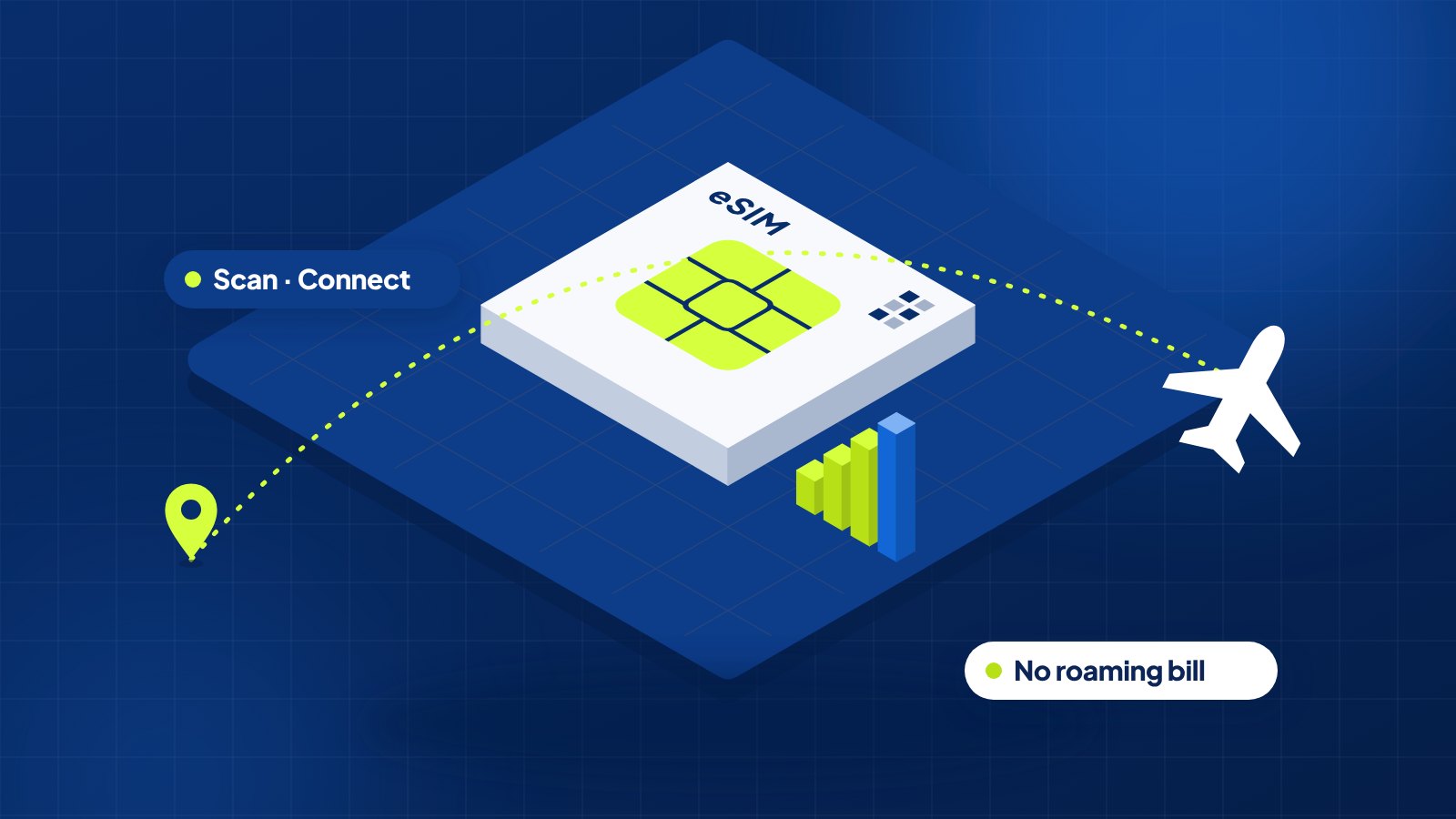
An eSIM is a SIM card built into your phone as a chip. Instead of inserting a plastic card, you download a mobile plan by scanning a QR code. A travel eSIM is a prepaid data plan for another country that you install before you leave, so you are online when you land without paying your home carrier's roaming rates.
Key takeaways
- An eSIM does the same job as a plastic SIM, but the plan is downloaded instead of inserted.
- A travel eSIM is usually data only. Your normal SIM stays active for calls, texts and bank codes.
- Check two things first: your phone supports eSIM (dial *#06# and look for an EID) and it is not locked to one carrier.
- Install at home on Wi-Fi before you travel, then switch the eSIM on when you land.
- eSIM use is growing fast: 29% of travellers in a 2026 Holafly survey use one as their main way to get data abroad, up from 17% a year earlier.
- Compare the total cost for your trip, not the daily price. Roaming passes charge per day; travel eSIMs charge per plan.
In this guide
- What is an eSIM?
- How does an eSIM work?
- eSIM vs physical SIM
- Carrier eSIM vs travel eSIM
- Why are so many travellers switching?
- Does my phone support eSIM?
- Roaming vs local SIM vs travel eSIM
- How much data do you need?
- How to install a travel eSIM step by step
- Keeping your number, WhatsApp and bank codes
- Common problems and quick fixes
- Is an eSIM safe?
- Is a travel eSIM worth it?
- Frequently asked questions
You land after a long flight, switch off flight mode, and a text arrives: "Welcome abroad. Data costs…". By the time you have found the airport Wi-Fi, ordered a taxi and messaged home, the meter has been running.
A travel eSIM removes that moment. You buy a data plan before you leave, scan a code, and your phone connects to a local network when you arrive. This guide explains how eSIMs work, whether your phone can use one, what they cost compared with roaming, and how to set one up without mistakes.
What is an eSIM?
eSIM stands for embedded SIM. It is a small chip soldered inside your phone that does the same job as a removable SIM card: it identifies you to a mobile network so you can get a signal.
The difference is how a plan gets onto it. With a plastic SIM, the plan is on the card. With an eSIM, the plan is a small file called a profile that you download over the internet. You can store several profiles on one phone and switch between them in settings.
A plain way to think about it: a plastic SIM is a key you have to carry and swap. An eSIM is a key you can be sent.
How does an eSIM work?
-
You buy a plan online
From your carrier, or from a travel eSIM provider for the country you are visiting.
-
You receive a QR code
The code contains the address of a secure server and a one-time activation code.
-
Your phone downloads the profile
Scan the code on Wi-Fi. The phone fetches the plan and stores it on the eSIM chip.
-
You switch the line on
In settings, turn the new line on and choose it for mobile data.
-
You connect
The phone joins a partner network in that country, just as a local SIM would.
The download uses an industry standard managed by the GSMA, the mobile operators' association. That is why one phone can load plans from hundreds of different providers.
eSIM vs physical SIM
| Feature | Physical SIM | eSIM |
|---|---|---|
| How you get it | Shop, kiosk or post | Online, in a couple of minutes |
| Installing | Open the tray, swap the card | Scan a QR code |
| Keeping your home number | Often means removing your SIM | Both stay active side by side |
| Several plans on one phone | One or two cards | Several profiles stored, switch in settings |
| Risk of losing it | Tiny card, easy to lose | Nothing to lose |
| Signal and speed | Same networks | Same networks |
| Works on older phones | Yes | Only on eSIM-capable phones |
Performance is the same. An eSIM is a different way to load a plan, not a different kind of network.
Carrier eSIM vs travel eSIM
These two get mixed up, and the difference matters.
A carrier eSIM is your normal mobile plan from your home operator, delivered digitally. It has your phone number, your minutes and your contract. Abroad, it still charges your carrier's roaming rates.
A travel eSIM is a short-term, prepaid plan from a specialist provider. It is built for visitors:
- It is usually data only, with no phone number.
- It is sold by country, region or worldwide, with a set amount of data and a set number of days.
- It does not replace your home SIM. Both run together on a dual-SIM phone.
That last point is the real advantage. Your own number keeps working for calls, texts and bank security codes, while the travel eSIM carries your internet.
Why are so many travellers switching?
29%
Use an eSIM first
as their main way to get data abroad
17%
Did a year earlier
the same survey question in 2025
10%
Of smartphone connections
expected on eSIM by end of 2026, double a year before
Source: Holafly Global eSIM & Travel Report 2026–2027 (5,220 travellers, 13 countries); GSMA, May 2026
The GSMA says eSIM smartphone connections stood at about 5% of the global total at the end of 2025, are set to reach 10% by the end of 2026 and should double again in 2027. Banks and travel apps are now bundling travel data into their own apps too, which we covered in our news report on travel eSIM launches.
Does my phone support eSIM?
Most recent flagship phones do. As a rough guide:
- iPhone: XS, XR and newer.
- Samsung Galaxy: S20 series and newer, plus recent Fold and Flip models.
- Google Pixel: Pixel 3 and newer in most markets.
- Others: many recent models from Motorola, Xiaomi, Oppo and others.
Regional versions differ, so do not rely on the model name alone. Check your own handset:
- Dial *#06#. If the screen shows an EID number, your phone has an eSIM.
- Look in settings for Add eSIM or Add mobile plan.
- Confirm the phone is unlocked. A phone locked to one carrier will reject other providers' plans. Your carrier can tell you, and can usually unlock it once any contract terms are met.
Roaming vs local SIM vs travel eSIM
| Home carrier roaming | Local SIM card | Travel eSIM | |
|---|---|---|---|
| Set-up | None | Find a shop, show ID in many countries | Scan a code at home |
| When it works | On landing | After you buy it | On landing |
| Keeps your number active | Yes | Only with a dual-SIM phone | Yes |
| Cost | Highest: often a fee per day | Low | Low to medium |
| Several countries | Depends on your plan | A new SIM each time | One regional plan |
| Language and paperwork | None | Sometimes awkward | None |
Roaming is the easiest and usually the most expensive. A local SIM is cheap but costs you time on arrival. A travel eSIM sits between the two: close to local prices, with none of the queueing.
Daily roaming passes look small until you multiply them. Try your own trip:
Calculator
Roaming pass or travel eSIM?
Example figures. Enter your carrier's daily pass and the eSIM plan price for your destination.
Roaming pass total
—
You save with an eSIM
—
How much data do you need?
People overestimate and underestimate in equal measure. These are rough hourly figures; your apps and settings will vary.
- Messaging and email
- about 30 MB
- Maps and navigation
- about 50 MB
- Web and social media
- about 150 MB
- Music streaming
- about 100 MB
- Video calls
- about 0.9 GB
- Video streaming (standard definition)
- about 1 GB
- Video streaming (high definition)
- about 3 GB
Source: Typical figures published by streaming and conferencing services; treat as estimates
A workable rule for planning:
- Light use (maps, messages, email, a little browsing): about 0.5 GB a day.
- Normal use (plus social media and some video calls): about 1 GB a day.
- Heavy use (hotspot for a laptop, regular video): 2 GB a day or more.
Download maps, playlists and shows on Wi-Fi before you leave, and a small plan goes a long way. If you run low, most plans let you top up without installing anything new.
How to install a travel eSIM step by step
-
Buy the plan for your destination
Choose the country or region, the data amount and the number of days.
-
Open the QR code on another screen
A laptop or a printout. You cannot scan your own phone's screen with its camera.
-
Add the eSIM in settings
iPhone: Settings, Mobile Service, Add eSIM. Android: Settings, Connections or Network, SIM manager, Add eSIM.
-
Label the line
Name it "Travel" so you can tell it from your home line.
-
Leave it switched off until you land
On most plans, the days start counting when it first connects at your destination.
-
On arrival, switch it on
Turn the line on, select it for mobile data and enable data roaming for that line only.
On newer iPhones, many providers offer a direct install button so you do not need a second screen. If the camera will not read the code, every provider also gives a manual option: an SM-DP+ address and an activation code to type in.
Before you leave for the airport
0 of 7 done
Keeping your number, WhatsApp and bank codes
Because the travel eSIM carries only data, three things are worth setting deliberately.
- WhatsApp, iMessage and similar apps keep working on your usual number. They use the internet, and they do not care which line provides it.
- Normal phone calls and SMS still go through your home SIM. Receiving texts abroad is often free, but answering calls can be charged at roaming rates. Check with your carrier.
- Bank security codes arrive by SMS on your home line, so leave that line on with data roaming off.
If you need to make ordinary phone calls cheaply while travelling, use an internet calling app, or a business number with a web phone. A virtual phone number works over any data connection, including a travel eSIM. While you are in the air, an AI receptionist can answer the office line and email you what callers needed.
Common problems and quick fixes
- No signal after landing. Check the eSIM line is on, selected for mobile data, and has data roaming enabled. Then restart the phone.
- "This code is no longer valid." Most eSIMs can be installed only once. If you deleted it, contact the provider; do not buy a second plan until they answer.
- Connected but no internet. Some plans need an access point name (APN) entered by hand. The provider's install instructions will list it.
- Slow speeds. Try switching networks manually in settings; a plan often works on more than one local operator.
- Data running out early. Turn off automatic app updates, cloud photo backup and video autoplay on mobile data.
Is an eSIM safe?
Yes. An eSIM profile is downloaded over an encrypted connection from a server certified under the GSMA's standard, and it cannot be physically removed from a stolen phone the way a plastic SIM can. Using your own mobile data is also safer than joining open airport or café Wi-Fi.
Two sensible habits: buy from a provider with clear support and refund terms, and never share your QR code. Anyone who scans it first can claim the plan.
Is a travel eSIM worth it?
For a short trip where your home plan already includes roaming at no extra charge, you may not need one. In nearly every other case, a travel eSIM is cheaper than a roaming pass and faster than hunting for a local SIM. For a multi-country trip, one regional plan is hard to beat.
The method is simple: check your phone, buy the plan, install it at home, switch it on when you land.
Frequently asked questions
What does eSIM stand for?
eSIM means embedded SIM. It is a chip built into the phone that stores mobile plans you download, instead of a removable plastic SIM card.
Is an eSIM better than a physical SIM?
For travel, usually yes. You can buy and install it online, keep your home SIM active at the same time and store several plans. Signal and speed are the same because both use the same mobile networks.
How do I know if my phone supports eSIM?
Dial *#06#. If you see an EID number, your phone has an eSIM. It must also be unlocked, meaning not tied to a single carrier.
Can I make phone calls with a travel eSIM?
Most travel eSIMs are data only. You can call with WhatsApp, FaceTime or another internet calling app, while your home SIM continues to receive normal calls and texts.
Will I keep my WhatsApp number?
Yes. WhatsApp stays on your existing number and simply uses the travel eSIM for its internet connection.
When should I install a travel eSIM?
Install it at home on Wi-Fi before you travel, and switch it on when you land. On most plans the validity period starts when the eSIM first connects at your destination.
Is a travel eSIM cheaper than roaming?
In most cases, yes. Roaming passes typically charge a fee for every day you use them, while a travel eSIM is a one-off prepaid plan. Compare the total for your whole trip.
Can I use my phone as a hotspot with a travel eSIM?
Usually yes, but it depends on the plan. Callmacy travel eSIMs allow hotspot use. Remember that laptops use data much faster than phones.
Sources
- eSIM mass market deployment moves from forecast to fact — GSMA
- Global eSIM & Travel Report 2026–2027 — Holafly
- eSIM: the time is right to push adoption — GSMA Intelligence